Get started
Still unsure of the impact of Sonik?
See it for yourself and ask for your free trial

Most revenue intelligence stacks start recording the truth at the first meeting. Everything before it, the dials, the connects, the objection that ended the call, the signal that triggered it, lives in a dialer log nobody joins to the CRM. That is why forecasts built on those stacks look precise and are not. The fix is not another analytics layer. It is logging the right eight fields at the moment of the call, automatically.
Revenue intelligence tools were built for late-stage calls: discovery, demo, negotiation. They are good at that. But a pipeline model that only sees opportunities is modelling the output of a process it cannot observe.
Ask your RevOps lead three questions. What was the connect rate last month by persona? Which signal produced the most meetings per conversation? How many touches did it take to reach the contacts who booked? If the answer is "the dialer has a report for that", the data is not in the model.
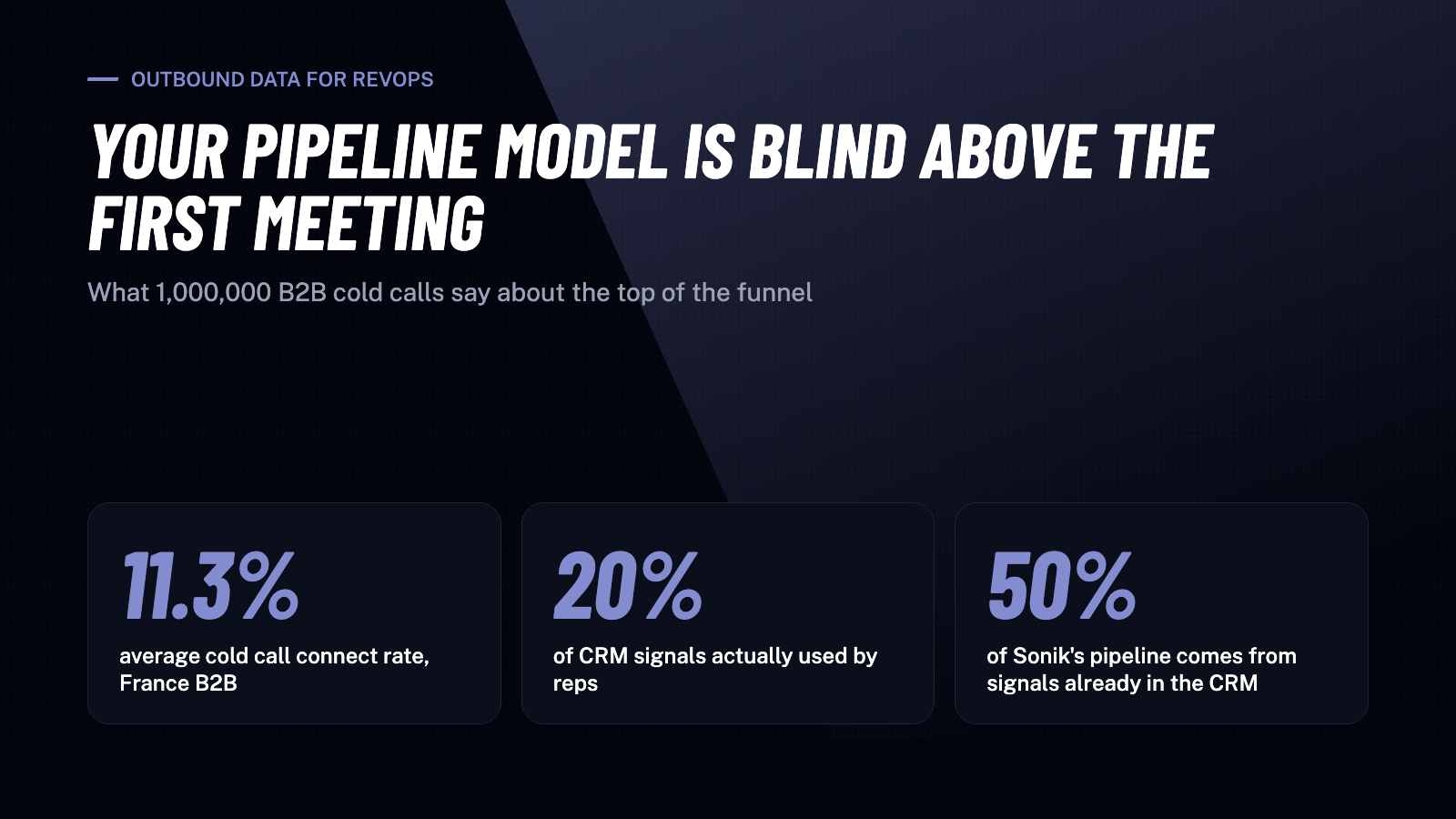
In our benchmark of 1,000,000 B2B cold calls in France, the average connect rate is 11.3%, and it ranges from 11% to 20% depending on persona and time slot. A forecast that assumes a flat conversion from "contacts added" to "meeting booked" is off by nearly 2x before an AE touches anything.
Here is the minimum schema. If a field is typed by a rep after the call, assume it is missing a third of the time.
A typical European SDR team runs a data provider, a sequencer, a dialer, a note-taking tool and a CRM. Each has its own log. Reps re-type what matters, which means they type what is fast: "NI" in a notes field.
The decay compounds. Reps only use about 20% of the signals already sitting in their CRM, partly because the CRM is where data goes to be forgotten. Yet 50% of Sonik's own pipeline comes from signals that were already in the CRM before anyone looked. The data is there. It is just not joined to the call that should have used it.
Buying more dashboards on top of this does not help. The dashboard is only as honest as the write-back. Fix the write-back first, at the source, and let the dialer do the writing.
Once the eight fields land in the CRM for every dial, three things become possible.
Conversion by segment, not by average. Instead of one connect rate, you get connect rate by persona and slot, meeting rate by signal, and attempts to connect by list source. Sales and leadership personas connect above 15% in our data; a blended 11% hides that.
Capacity planning with real inputs. If your north-star is 20 conversations per SDR per day, you can now compute dials needed per slot, and whether parallel dialing (which gives reps roughly 5x more conversations per hour) closes the gap or whether you need a better list.
Signal ROI. Which triggers produce meetings per conversation above the team average? In our benchmark, calling a known contact with "How have you been?" succeeds about 10% of the time, versus 1.5% for a standard cold open. Dormant leads are a signal with measurable yield, if you log the trigger.
Each of these needs only the eight fields above. None needs a new tool if the dialer writes back properly.
Sonik's dialer writes every one of the eight fields to the CRM on call end: slot, outcome, attempt, disposition, AI summary and next step, plus the signal that put the contact in the session in the first place. Reps do not type dispositions; they confirm them.
Because the signal and the outcome are stored together, RevOps can answer "which triggers produce pipeline" with a CRM report instead of an export. That is how we know half of our own pipeline comes from CRM-resident signals.
What we do not do: build a separate analytics layer. The CRM stays the system of record, and your existing revenue intelligence tool gets richer inputs rather than a competitor.
Revenue intelligence without outbound data is a model of the second half of a process. Before buying anything, run one audit this week: export last month's calls from your dialer and count how many have a trigger signal, an attempt number and a dated next step in the CRM. If it is under half, the model is guessing, and the cheapest fix is automatic write-back at the call.